
Free group scheduling for meetings, classes and teams
Find a time for your whole group without the reply-all chain. Poll a group, fill a class or share bookings across your team, all in one app.
Start scheduling for free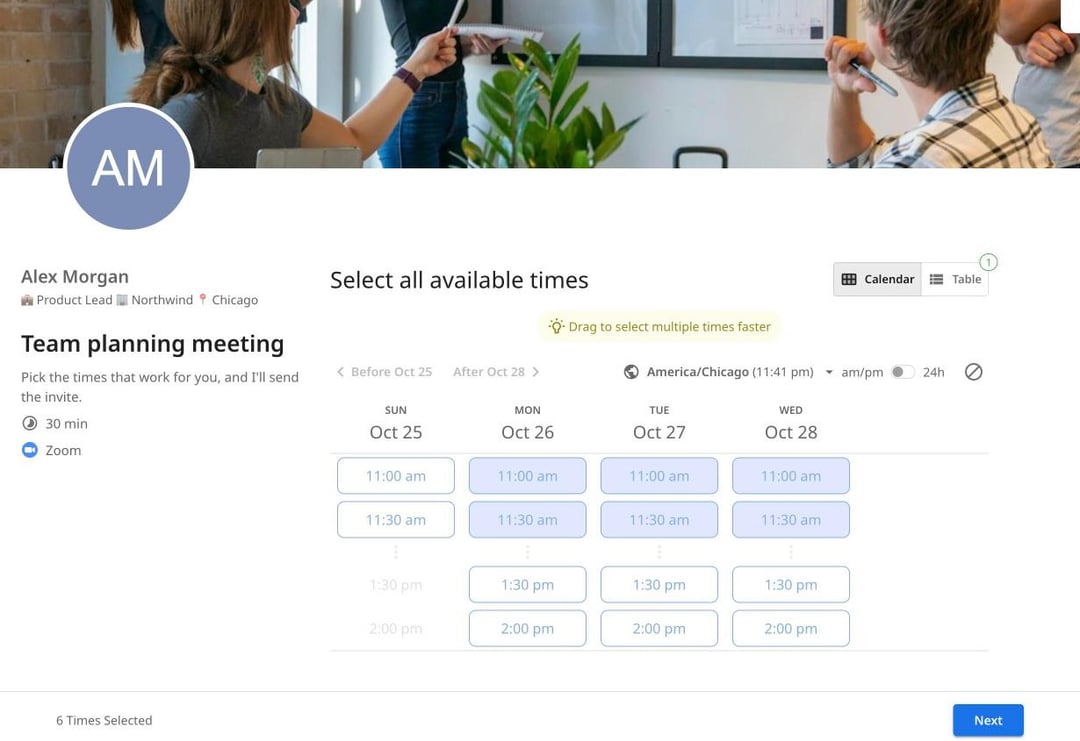
Trusted by leading brands, from fast-growing startups to large enterprises.








zcal is a free scheduling app, and it handles every kind of group. Ask a group when they're free with a meeting poll, let a whole class book the same time, or put your team's calendars together so clients always find a free host. The table below shows which one fits.
Table of contents
Which kind of group scheduling do you need?
"Group scheduling" means different things to different people. Start with what you're trying to do:
| You want to… | Use | How it works | Plan |
|---|---|---|---|
| Find one time for a group meeting | A meeting poll | Everyone votes on your times, and you pick the winner | Free |
| Fill a class, workshop or webinar | A group event | Each person books a seat in the same time slot | Free |
| Meet a client with several of your team | A collective event | Clients see only the times when every host is free | Pro |
| Share client meetings across your team | Round robin | Clients book a time, and zcal picks a free host | Pro |
Meeting polls: find a time for the whole group
When you don't know when everyone is free, ask. Pick a few times that work for you, share one link, and let each person mark the times they can make. Every vote lands in one table, with the most popular time at the top. Pick it, and zcal adds the meeting to your calendar and sends the invite to everyone who voted.
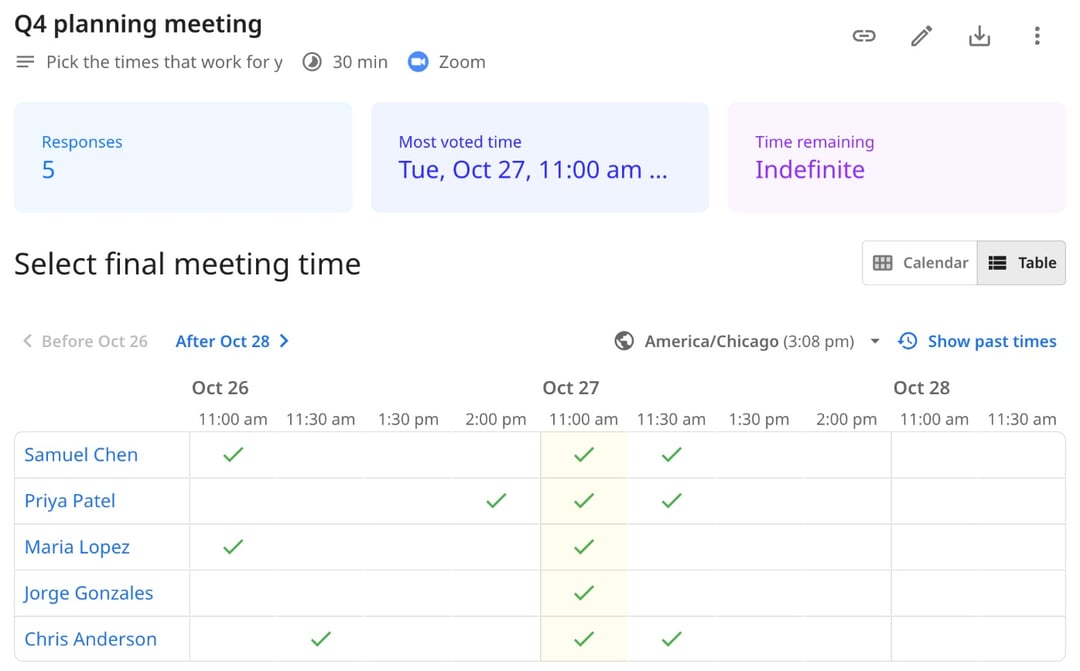
Polls are free, with no limit on polls or voters and no ads. See how meeting polls work.
Group events: let many people book the same time
For a class, a workshop or office hours, you don't need everyone to agree on one time. You set the times, and each person books a seat. Choose how many seats each time slot has, and the slot closes when it's full.
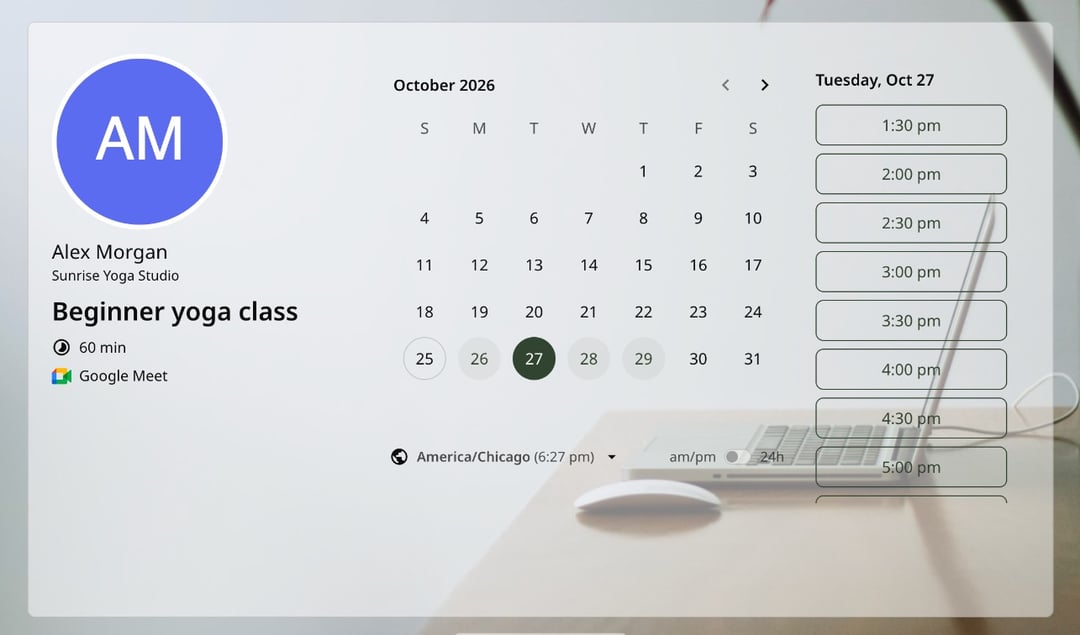
Each person gets their own calendar invite and reminders, and they can reschedule or cancel their own seat without touching anyone else's. Running sign-ups for shifts or slots? See sign-up sheets. Teaching a weekly class? See class scheduling with zcal.
Collective events: meet when your whole team is free
A kickoff call with your account manager and your designer, or an interview with a panel of three. A collective event checks every host's calendar and shows clients only the times when all of them are free. When someone books, the meeting lands in every host's calendar.
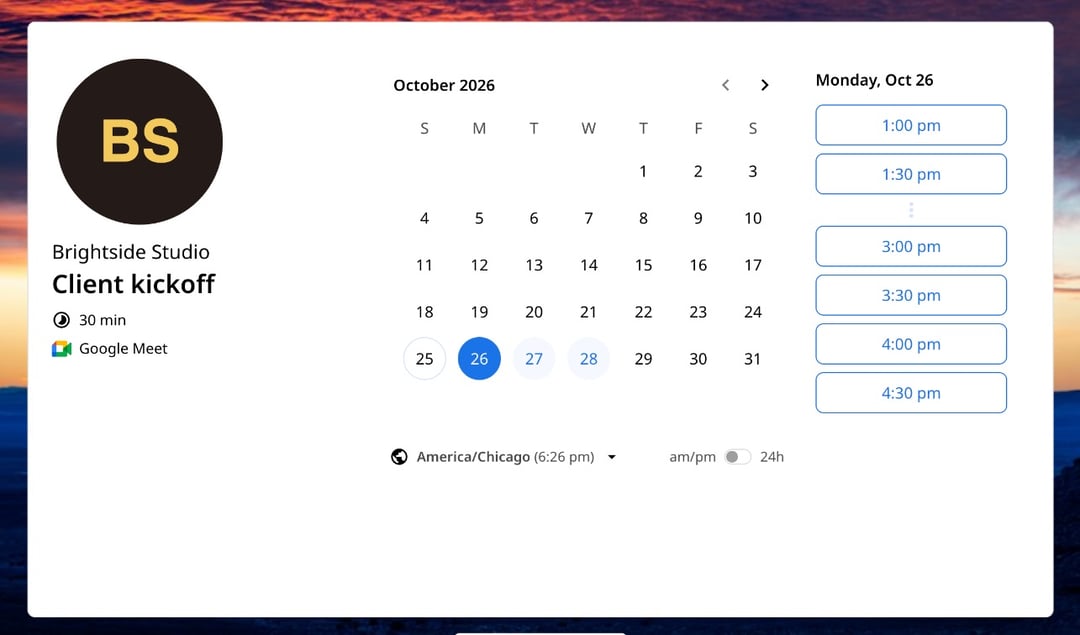
Need someone in the meeting, but not at every time? Mark them as optional. zcal adds them to the meeting, but their calendar doesn't block a time. See how collective events work.
Round robin: share bookings across your team
When clients don't mind who they talk to, round robin gives each new booking to one person on your team. Clients see every time that any host is free, so there are more times to choose from, and the work is shared fairly.
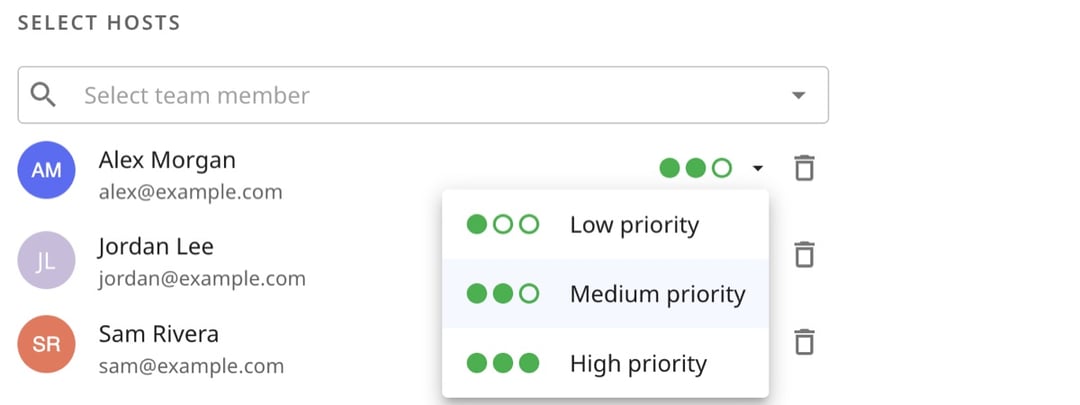
Give your senior people high priority, and they get meetings first. Among hosts with the same priority, the one who was booked least recently gets the next meeting. See how round robin works.
Why use zcal for group scheduling
One app for every group
Polls, classes and team meetings usually take three different tools. zcal does all of them, with one account, one set of calendars and one look.
Every calendar checked
Connect every Google, Outlook and Apple calendar you use. zcal only offers times when you're free, and on team events, when your teammates are free too.
Nobody needs an account
People who vote or book open your link, pick a time and type their name. There's nothing to sign up for and nothing to install.
Time zones, handled
Everyone sees your times in their own time zone. A team in New York, London and Singapore never has to do time zone math.
The invite goes out for you
When a meeting is set, zcal adds it to your calendar, sends everyone a calendar invite with the video link, and reminds them before it starts.
Who uses group scheduling
Teams and managers
Find a time for the weekly sync or the quarterly offsite with a poll, and stop chasing replies in Slack.
Teachers, coaches and trainers
Run classes, workshops and office hours as group events. Students book their own seat, and the slot closes when it's full. Coaches can run group coaching the same way (see coaching scheduling).
Clubs, committees and volunteers
Poll the board for the next meeting, or open sign-ups for volunteer shifts, all from one free account.
Sales, support and recruiting teams
Share demos and support calls with round robin, and put a hiring panel in one interview with a collective event.
More ways to schedule
- Meeting polls. Let a group vote on the best time for one meeting.
- Availability forms. Collect everyone's free times in one table.
- Sign-up sheets. Let people claim a time slot for themselves.
- Booking pages. Share your open times for 1-on-1 meetings.
- Round robin scheduling. Share bookings across your team.
- Collective events. Book one meeting with several people from your team.
Frequently asked questions
What is group scheduling?
Group scheduling is finding a meeting time that works for more than two people. It covers polls, where a group votes on the best time, group events, where many people book the same time, and team scheduling, where clients book with one or more people on your team.
How do I schedule a meeting with a group?
Make a meeting poll with a few times that work for you, share one link, and let everyone mark the times they can make. When the votes are in, pick the best time, and zcal sends the calendar invite to the whole group.
What is the best free group scheduling app?
For most groups, it's one that does more than a poll. zcal's free plan includes unlimited meeting polls with no ads, group events where many people book the same time, and calendar sync with Google, Outlook and Apple. Voters don't need an account, and zcal sends the invite when you pick the time.
Do people need an account to join?
No. People who vote in a poll or book a group event open your link and type their name and email. They don't sign up or download an app. You need a free zcal account to set it up.
What's the difference between collective and round robin scheduling?
A collective event puts several hosts in one meeting, so clients only see times when all of them are free. Round robin gives each meeting to one host from your team, so the work is shared. Both are on zcal's Pro and Business plans.
Does group scheduling work across time zones?
Yes. Everyone sees your times in their own time zone, whether they vote in a poll or book a seat. The calendar invite shows the right time for each person, too.
How many people can book a group event?
You choose the number of seats for each time slot. On the free plan, a group event takes up to 5 people for each time slot. Pro and Business have no limit.
