
A free booking page that reflects your brand
Share one booking link, and clients book a time that works for you both. No back-and-forth emails, no double bookings.
Create your free booking page
Trusted by leading brands, from fast-growing startups to large enterprises.








zcal is a free scheduling app for booking pages and meeting polls. Your booking page shows clients the times you're free, straight from your calendar, and they book in a few clicks. Add your photo, a cover image and a welcome video, and every booking starts on a page that looks like your business.
Table of contents
How it works
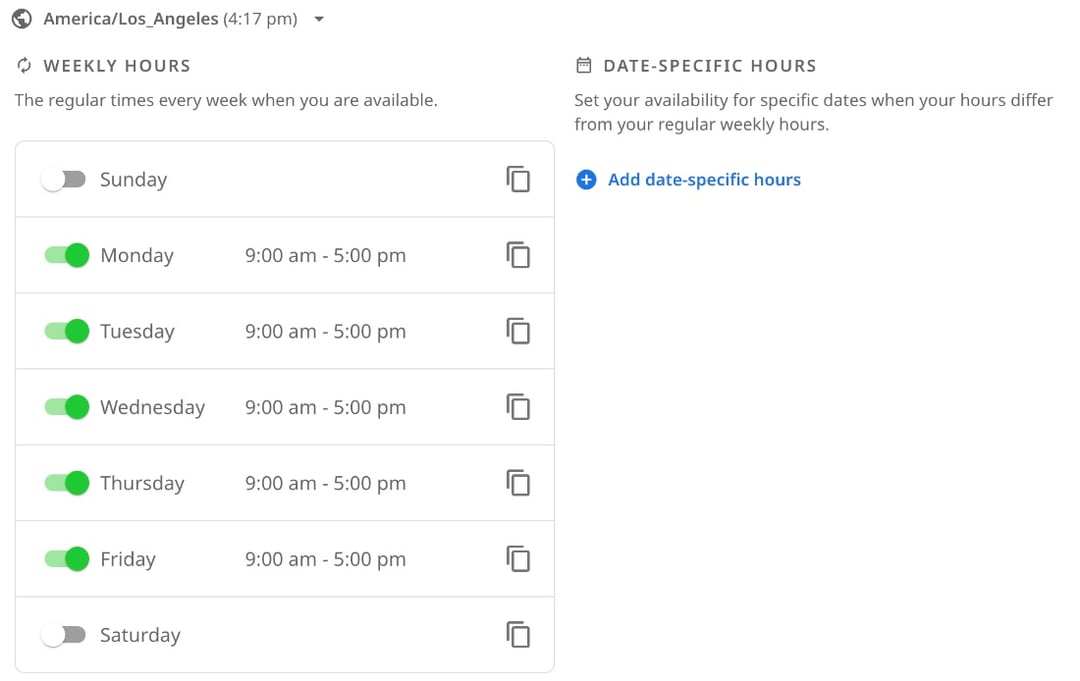
1. Set your hours
Choose the days and hours you take meetings, once, and every booking link can use them. Connect Google, Outlook or Apple Calendar, and zcal hides any time you're already busy.
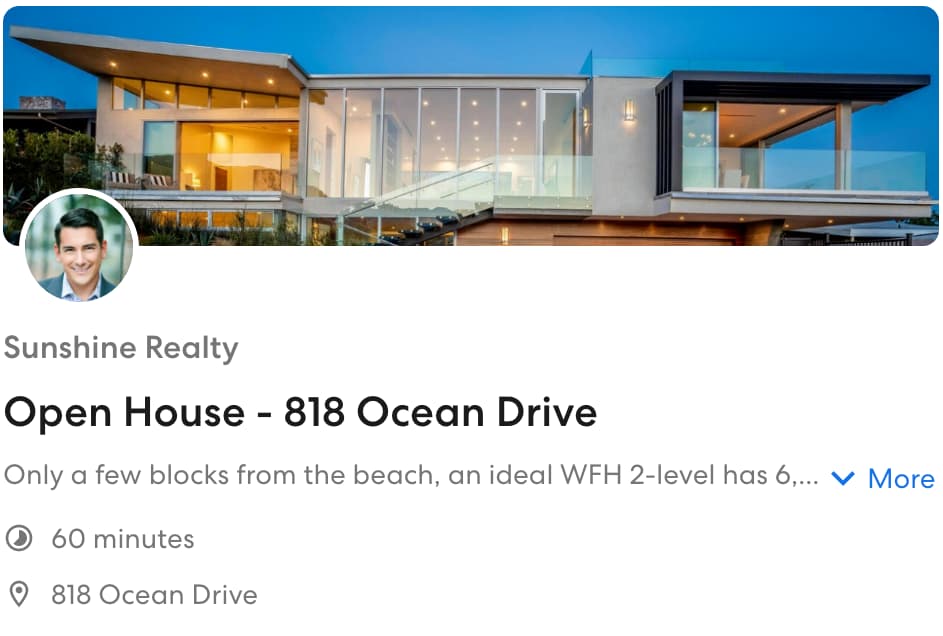
2. Make the page yours
Add a cover photo, a short welcome note or video, and the questions you want answered before the meeting. Your page then looks like it came from you, not from a tool.
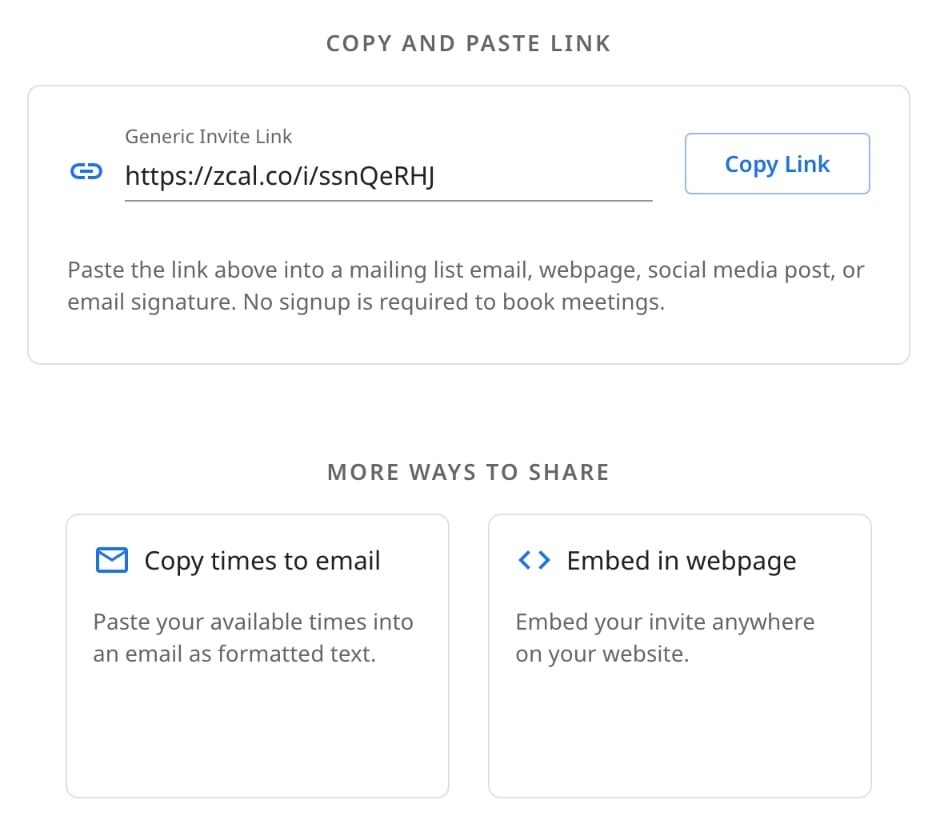
3. Share your booking link
Copy your link into an email, a text or your email signature, or embed the page on your website. You can also paste your open times straight into an email.
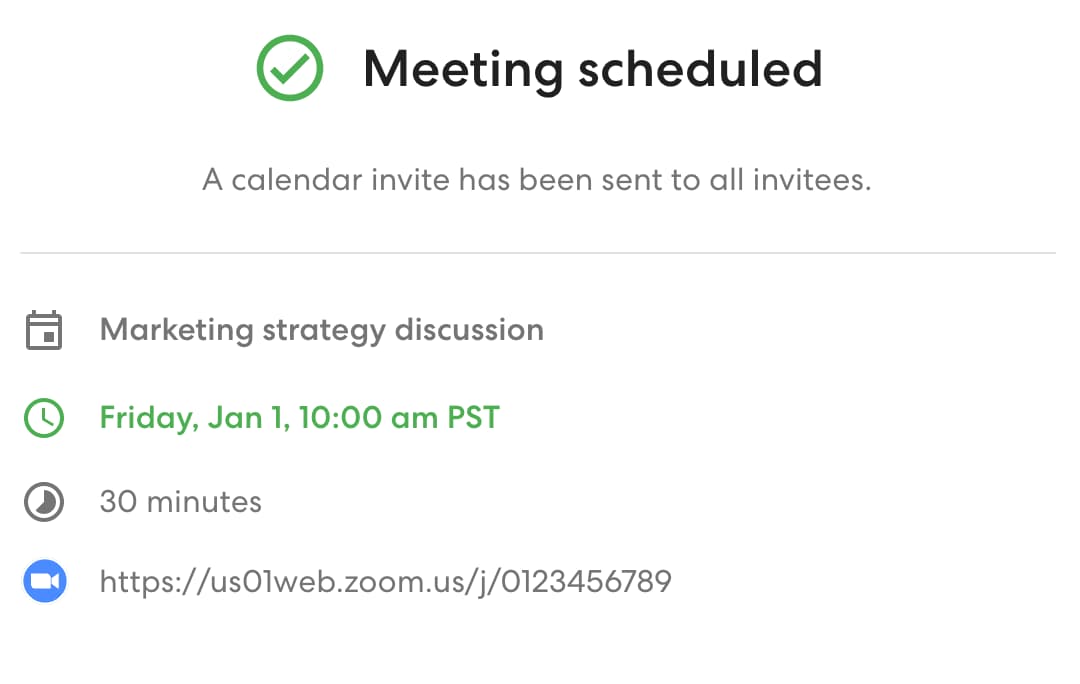
4. Clients book, and it lands in your calendar
Clients pick a time in their own time zone and answer your questions. zcal adds the meeting to your calendar, sends everyone a calendar invite with the video link, and emails a reminder before it starts.
What your clients see
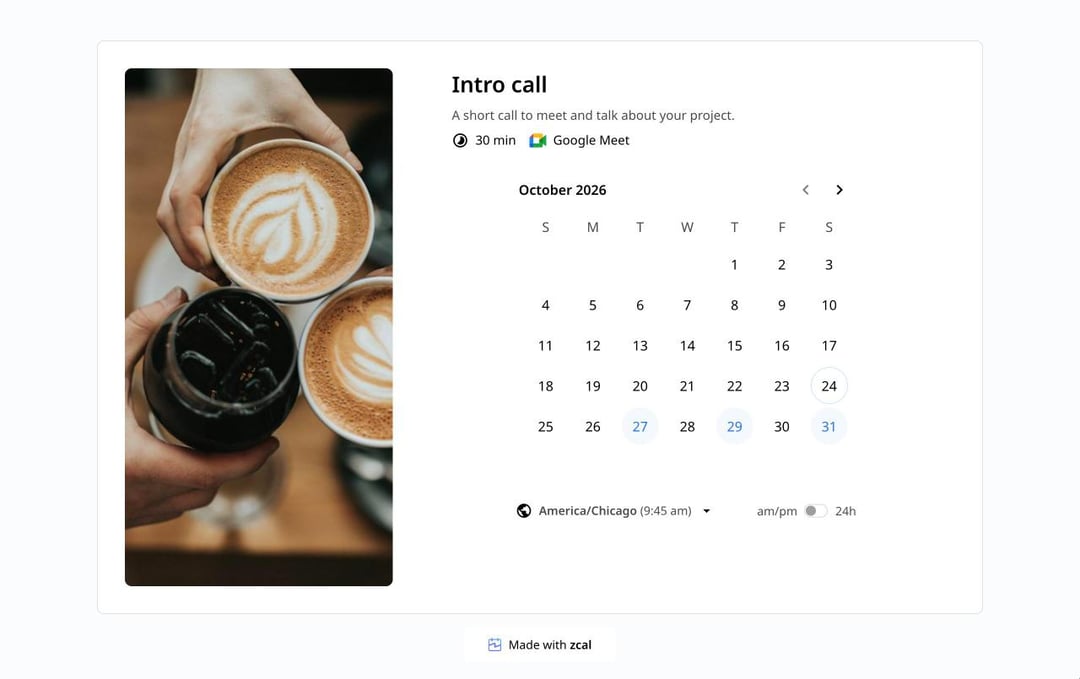
Your clients see your photo, the meeting, how long it takes and where it happens, and a calendar of your open times in their own time zone. They pick a time, answer your questions, and they're done. There's no account to make and nothing to download.
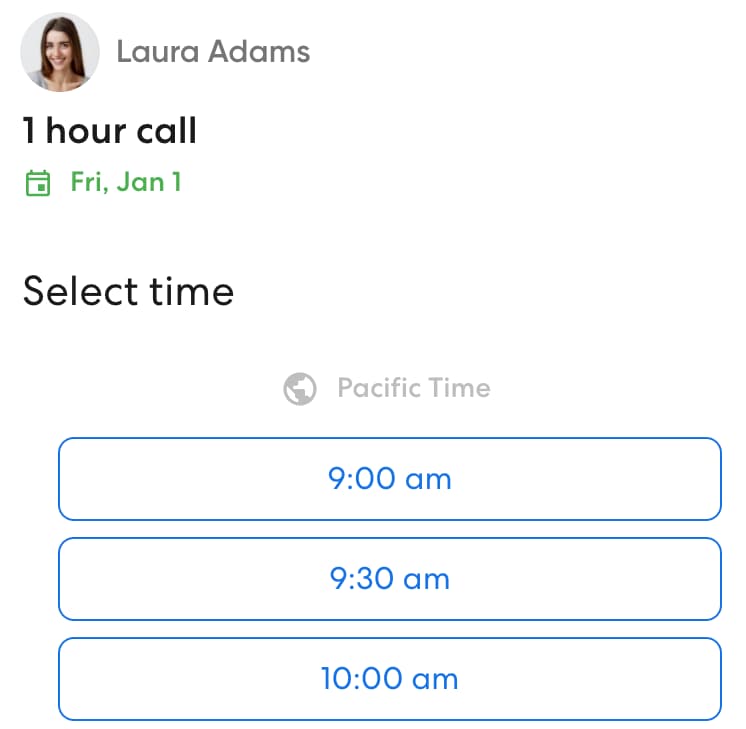
Most people open a booking link on their phone, and the page works just as well on a small screen.
5 ways to share your booking link
A booking link works only when people see it. Put it everywhere you already talk to clients.
In your email signature
Every email you send becomes an invitation to book. "Book a call with me" and your link, under your name, turns a reply into a meeting without another email.
In emails and messages
Paste your link into a reply instead of listing times. Prefer to show the times? zcal's "Copy times to email" pastes your open slots into an email as text that looks hand-typed.
On your website
Embed your booking page on your website, so visitors book without leaving it. A "Book a call" page or a section on your contact page works well.
In your social media bio
Add your link to your Instagram, LinkedIn or TikTok bio. Followers who want to work with you can book on the spot.
On your profile page
Your zcal profile page lists all your booking links in one place, such as a 15-minute intro call and a 1-hour session. Share that one link, and each person picks the meeting they need.
Why use zcal for your booking page
Free, with unlimited booking links
Make a booking link for every kind of meeting, all on the free plan. There's no trial that runs out and no credit card to enter. See pricing for everything the free plan includes.
Every calendar checked
Connect every Google, Outlook and Apple calendar you use. zcal checks them all before it shows a time, so nobody books you when you're busy.
The video link, added for you
Pick Zoom, Google Meet or Microsoft Teams, and zcal adds a new meeting link to every booking. You never paste a link by hand again.
Questions before the meeting
Ask what you need to know, such as the client's company or the topic, right on the booking form. You walk into every call ready.
Your rules
Set how much notice you need, add buffers between meetings, cap how many meetings you take each day, week or month, and choose how far ahead they can book. Your calendar stays yours.
Reminders that cut no-shows
zcal emails a reminder before every meeting, on every plan. On Pro, add text reminders and follow-up emails too.
Payments when they book
Connect Stripe and charge for a session when the client books it. The payment and the booking happen in one step.
Tips for a booking page that gets booked
- Connect every calendar first. A booking page is only as good as the calendar behind it. Connect your work and personal calendars before you share your link.
- Name each meeting clearly. "30-minute intro call" tells people what they're booking. "Meeting" doesn't.
- Ask only what you need. Every extra question is a reason not to finish. Two or three questions is plenty.
- Leave room between meetings. A 10-minute buffer gives you time to take notes and get a coffee.
- Book yourself once. Open your link on your phone and book a test meeting, the way your clients will.
More ways to schedule
- Meeting polls. Let a group vote on the best time to meet.
- Group scheduling. Classes, workshops and team meetings with more than one person.
- Round robin scheduling. Share bookings across your team.
- Text reminders. Text clients before each meeting, so fewer of them miss it.
- Availability forms. Collect everyone's free times in one table.
- Tutor scheduling. Lessons that students and parents book from one link.
- Coaching scheduling. Discovery calls and paid sessions with intake questions.
Frequently asked questions
What is a booking page?
A booking page is a web page where people book a meeting with you. It shows the times you're free, pulled from your calendar, and lets each person pick one. The meeting then goes into both calendars, with no emails back and forth.
What is a booking link?
A booking link is the web address of your booking page. You share it in an email, a text or your email signature, and whoever clicks it can book a time with you. You can have a different link for each kind of meeting.
How do I create a free booking page?
Sign up for zcal for free, connect your calendar and set the hours you take meetings. Then create a booking link: give the meeting a name and a length, add a video link and any questions, and share the link. It takes a few minutes.
Can I add my booking page to my website?
Yes. Every zcal booking link comes with an embed code. Paste it into your website, and visitors book without leaving your site. Embedding is free.
Do my clients need an account to book?
No. Clients open your link, pick a time and type their name and email. They don't sign up, log in or download an app.
Does zcal work with Google Calendar and Outlook?
Yes. Connect Google Calendar, Outlook and Microsoft 365, and Apple Calendar, as many accounts as you use. zcal checks all of them before it shows a free time, and adds each booking to the calendar you choose.
Can I have more than one booking link?
Yes, as many as you need, on the free plan. Make one for a 15-minute call, one for a 1-hour session and one for a team, each with its own hours, questions and video link. Your profile page lists them all in one place.
Is there a free booking website for small businesses?
If you need a place for clients to book, not a whole website, a free booking page is enough. zcal gives you one for free, with your photo, cover image and services, and you can embed it on the website you already have.
