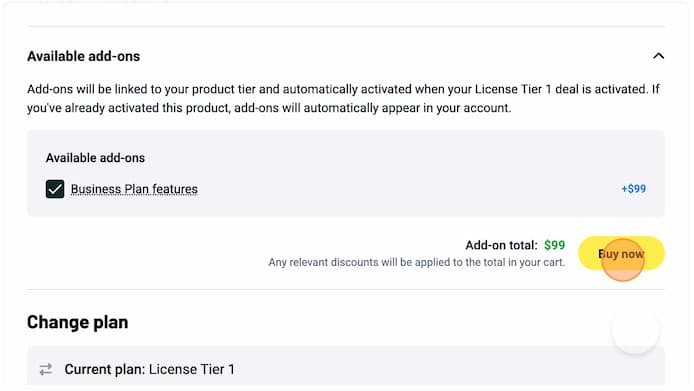
Upgrade your AppSumo purchase to the Business Plan
How to get it
You can add the Business Plan to any existing AppSumo license in just a few clicks:
-
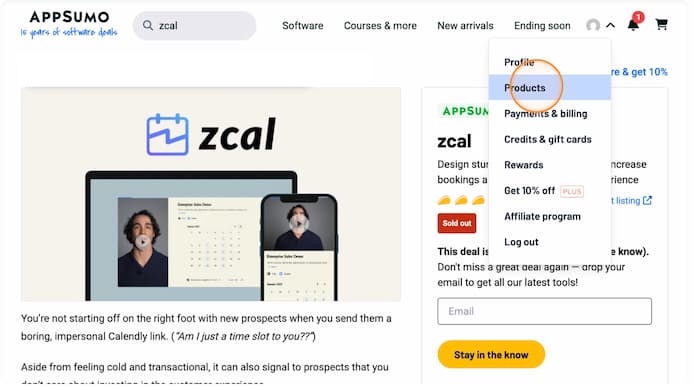
Open the AppSumo products page: Click this link then open the top right AppSumo menu and click on Products.
-
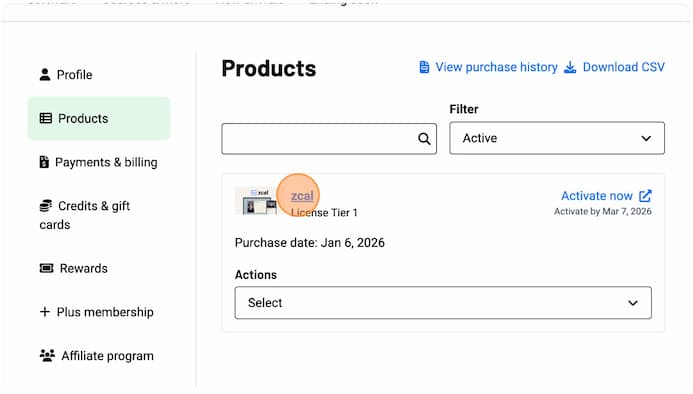
Select the zcal product: On the AppSumo Products page, click on zcal.
-
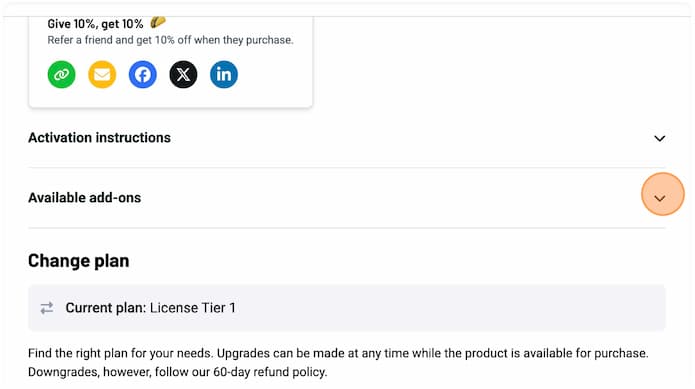
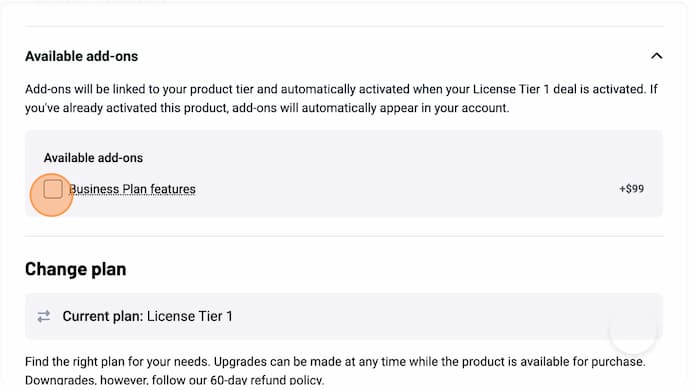
Find add-ons: Scroll down and click the dropdown arrow next to Available add-ons.
-
Choose the plan: Check the box for Business Plan features.
-
Checkout: Click the yellow Buy now button to activate the features instantly.